Content tab
The Content tab measures what you published: social posts, emails and blog articles, whether they were made in Glowtify or published elsewhere.
Filtering by channel
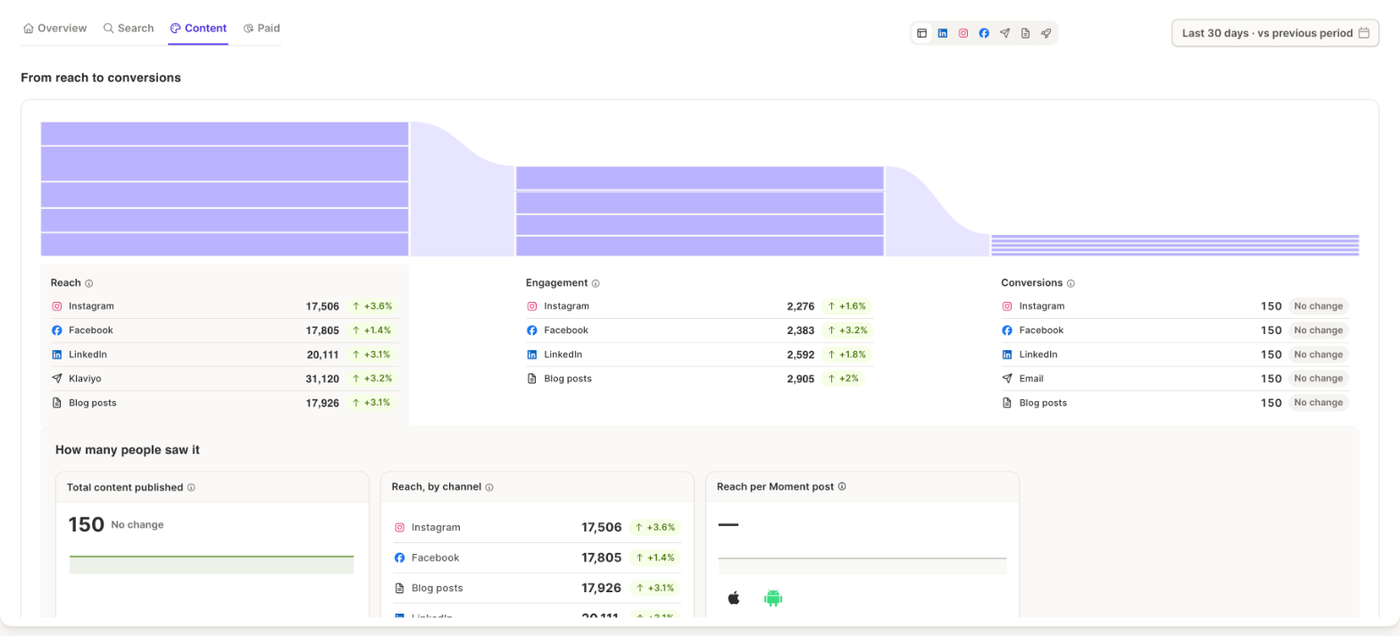
The icons at the top right filter the whole tab: All, LinkedIn, Instagram, Facebook, Email, Blog posts and Boosted. When you filter, the Analyst answers about that channel only, and a message confirms it.
From reach to conversions
The flow shows reach, engagement and conversions for your content. Click a stage to see its detail:
- How many people saw it: total content published, reach by channel, and reach per Moment post.
- How many engaged: engagement by channel, audience growth, and the engagement rate of Moment posts.
- How many converted: conversions and qualified visits, from Google Analytics.
With Boosted, the cards also show what the boosts cost.
The posts that moved things
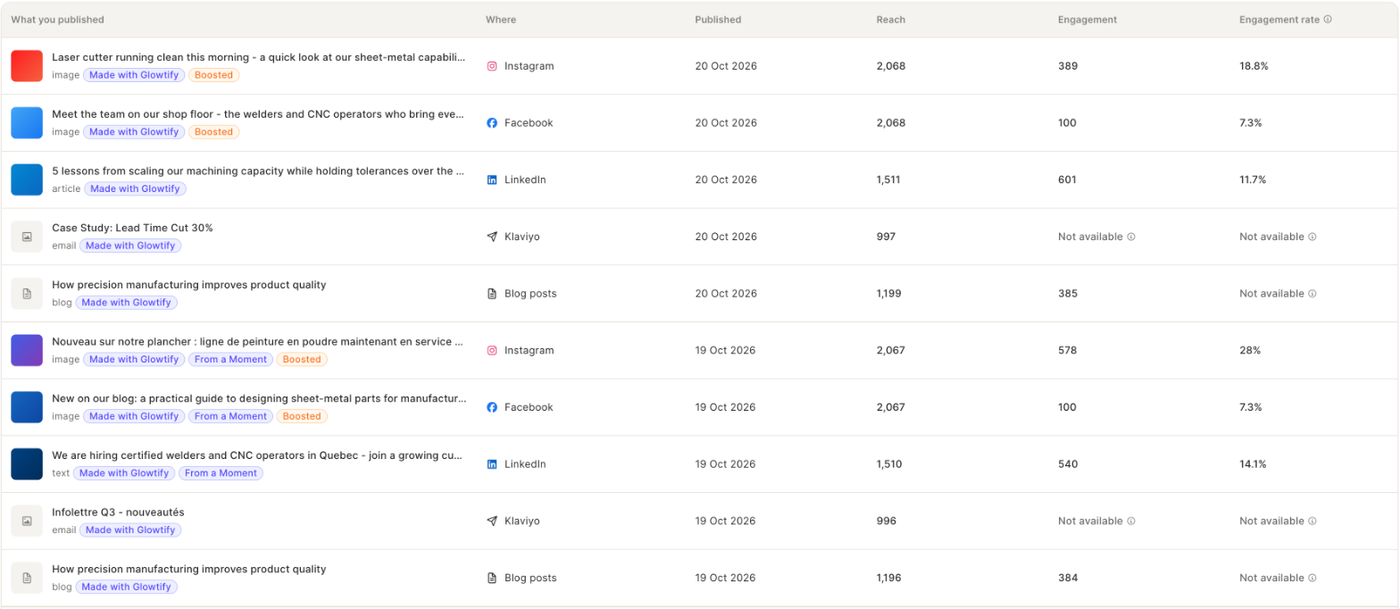
The table lists each publication with Where, Published, Reach, Engagement and Engagement rate. Badges tell you whether it was Made with Glowtify, Published outside Glowtify, made From a Moment, or Boosted. Some channels don't report every number; those cells read "Not available".
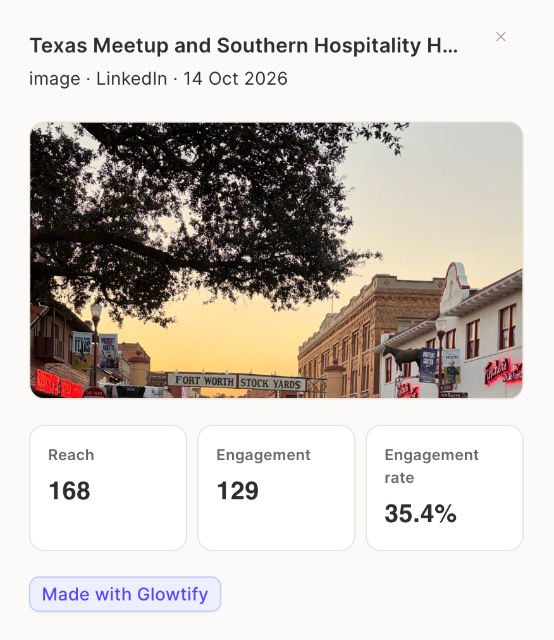
Click a row to open the post with its visual and its numbers, and a link to the published version. These numbers are the post's lifetime results to date, not totals for the selected period. Ask the Analyst about this sends your question with the post selected.
Moments
The Moment cards compare posts made from a Moment with posts made without one, on the same channel and in the same format. Each comparison needs at least one confirmed post in both groups.
What it needs
At least one connected publishing channel: Instagram, Facebook, LinkedIn, Klaviyo, Mailchimp, or a Shopify or WordPress blog. Conversions need Google Analytics.