Moments
A Moment is a real business event — a tradeshow, a team milestone, a product launch, a customer walking out with a bag — captured from your phone and turned into marketing content by Glowtify's AI.
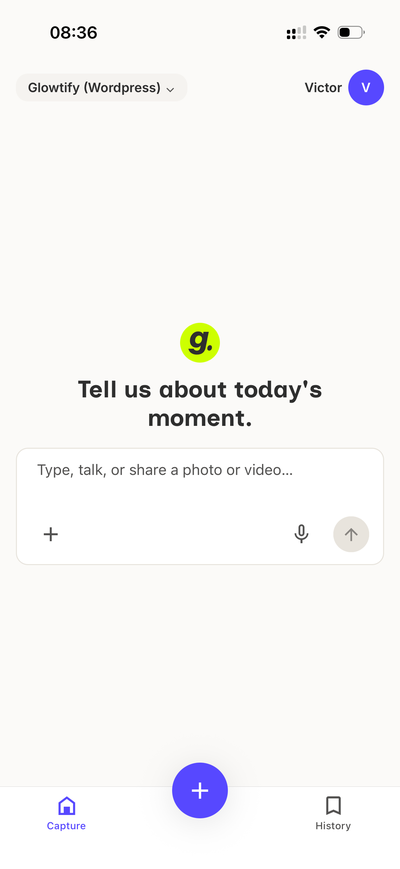
You capture the raw stuff (a photo, a voice note, a couple of lines of text). Glowtify structures it. You then plug it into any piece of content you're building, and the AI writes the caption using your actual photo instead of stock.
How Moments work
Four steps, split across the mobile app and the desktop app.
Get started
Six short guides walk you through every corner of the feature.
- Install the mobile app — iOS or Android, sign in with the same account you use on desktop.
- Create a Moment — the 30-second capture flow.
- Use a Moment in a post — plug a Moment into any content as a power-up.
- Request a Moment from a teammate — ask someone else to capture it.
- Notifications & assignee — how the team stays in the loop.
Why Moments matter
AI-generated content is usually good enough. Content built on Moments is yours — the actual photo, the actual context, the actual date. That's the difference between a generic post that could be from anyone, and a post that could only be from your brand.
Related articles
- Working with the AI chat — patterns shared by every Glowtify chat, including the capture chat
- Knowledge Base — the Workspace's long-term memory (Moments are single events, KB is durable references)
- Create a Meta post — the flow where Moments show up as power-ups