Ideate
Ideate is where your next posts and campaigns start. Every week, Glowtify researches content ideas for your brand and explains why each one fits you, and why now. The good ones go on a board the whole team shares, where you discuss them, get them approved, and turn them into content.
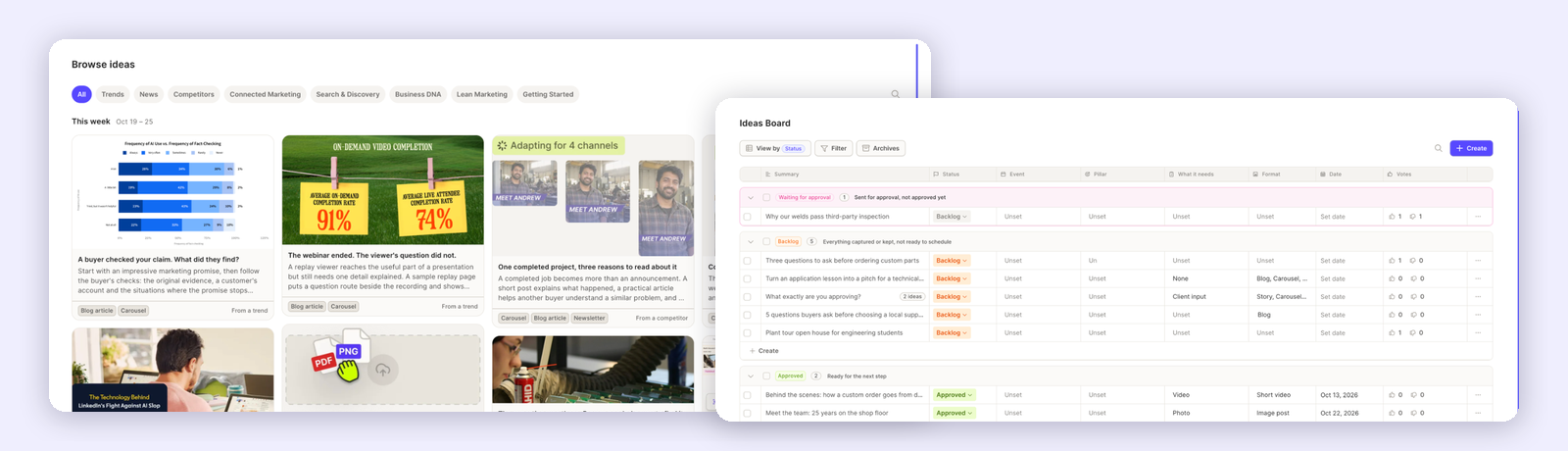
You'll find both screens under Ideate in the nav rail: Browse for the weekly ideas, Ideas Board for the ones the team keeps. Every member of the workspace, Admin or Client, can use them. The weekly research runs for workspaces on a paid plan.
Fresh ideas, every week
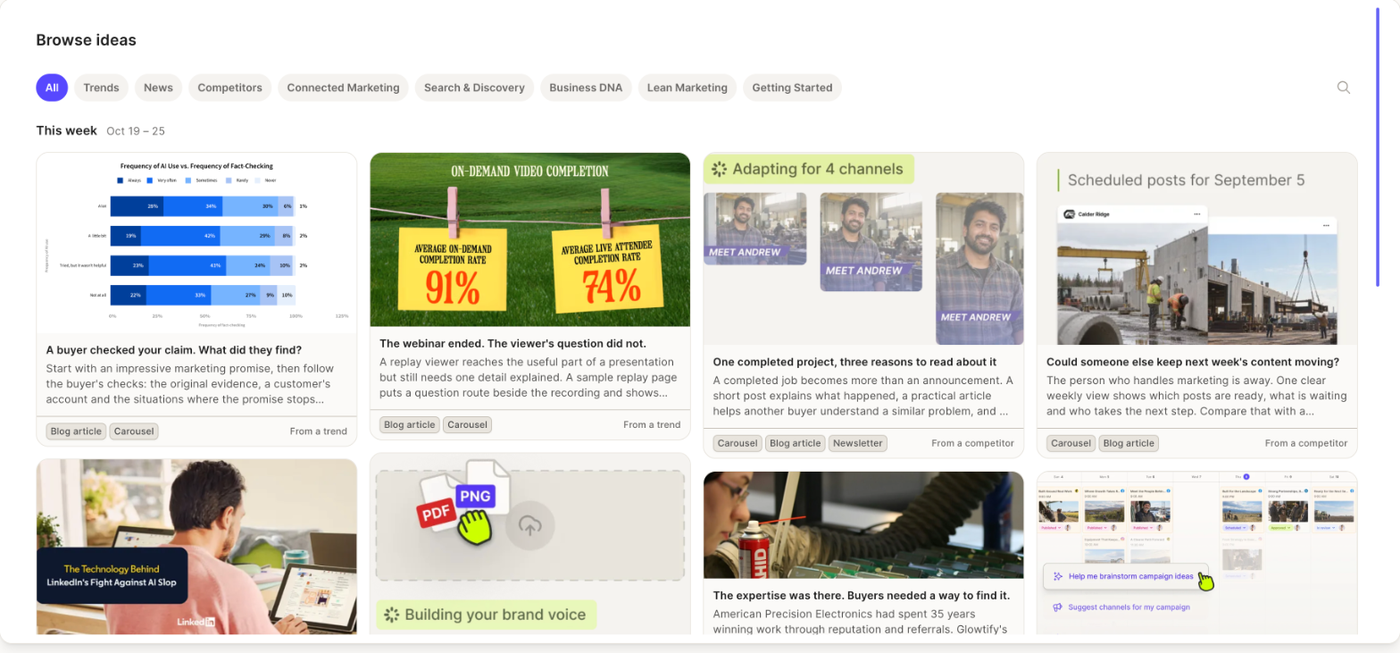
Each week brings a new batch of ideas, researched from the news, trends, your competitors and your own website. Every idea says why it fits your brand and why now, lists its sources, and suggests the formats, the purpose in your funnel and what you'd need to make it (a photo, a video, your input, or nothing at all).
Filter by trends, news, competitors or one of your content pillars, and keep what's worth making with Save to board.
One board for the whole team
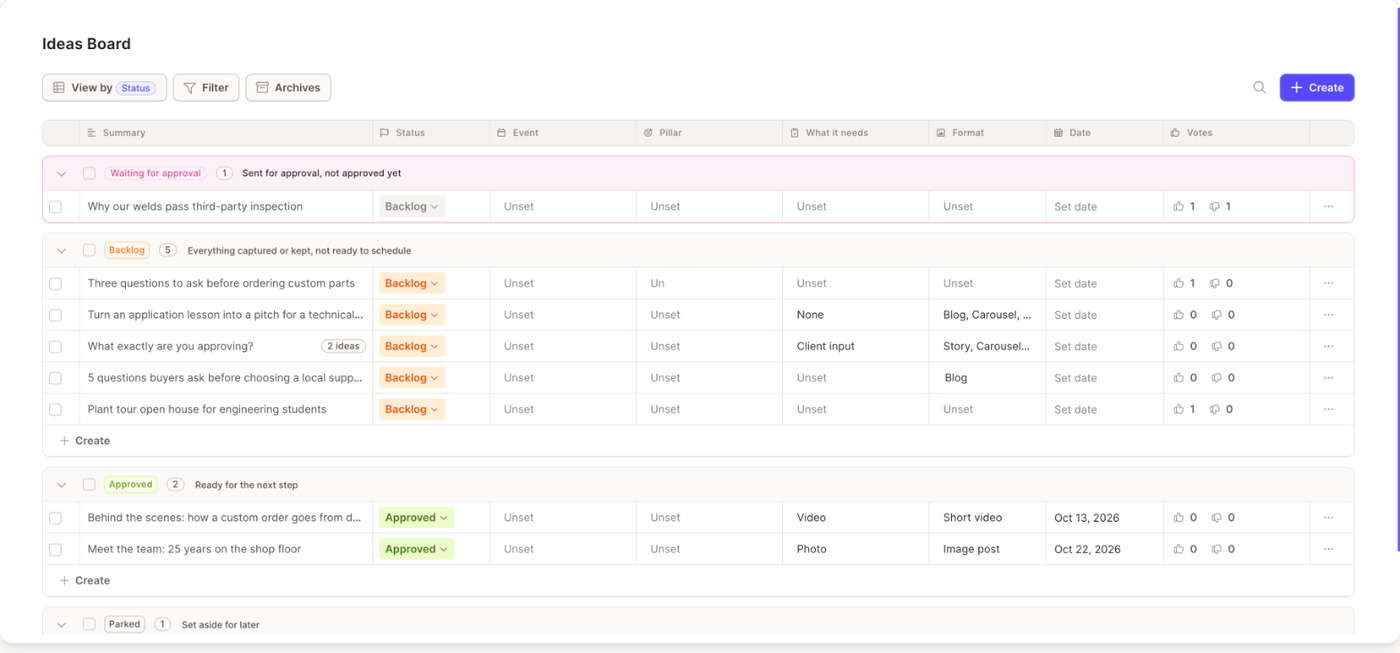
Saved ideas land on the Ideas Board, next to the ones your team writes in. Sort them by status, event, pillar or what they need. Fill in the format, the date, the products and channels, and who's on it.
Vote ideas up or down, and talk them through in the comments, so the best ones rise before anyone starts writing.
Approved before it's made
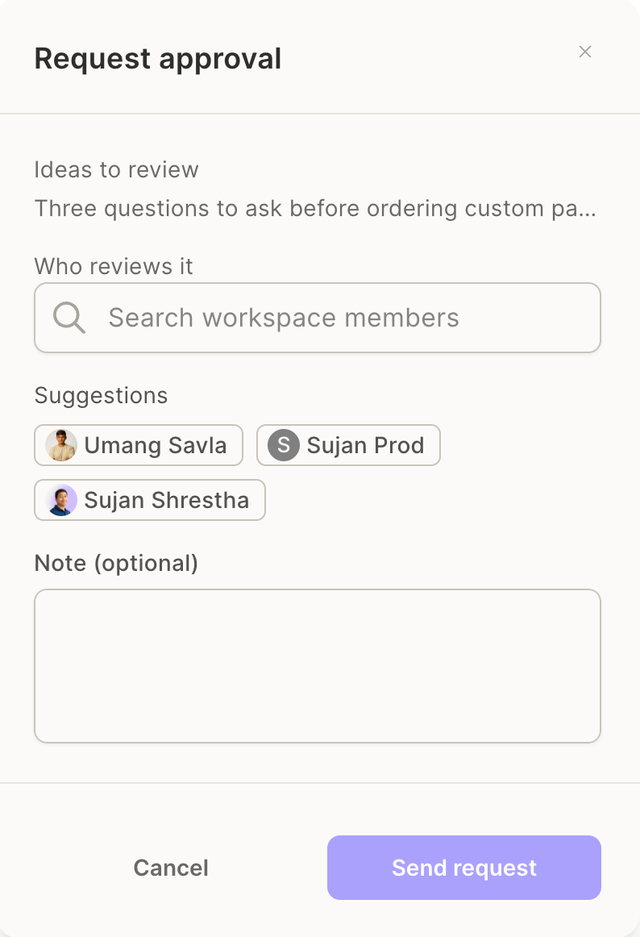
Send one idea or a whole selection for approval, to one or several teammates. Reviewers get an email and see the ideas waiting for them at the top of the board. An idea is approved only when every reviewer agrees; a change request comes back as a comment, with the reason.
From idea to content
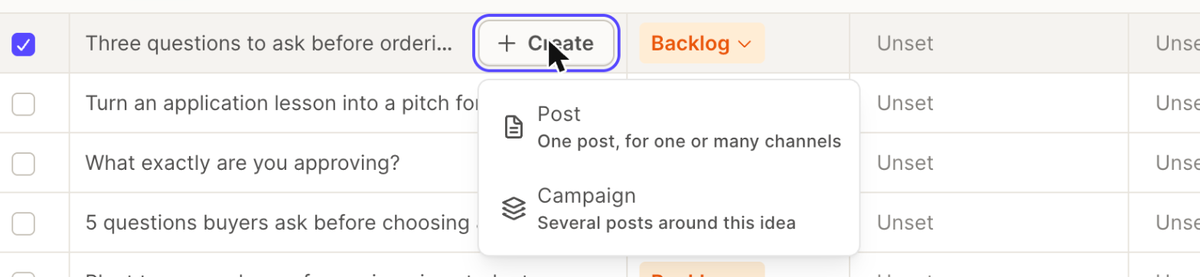
Create from this turns any idea into a single post for one or many channels, or a campaign with several posts around it. The idea's description, requirements and guardrails go straight into the brief, so the AI starts from your idea, not from a blank page.
How it fits together
Nothing on the board is scheduled or published by itself. An idea reaches the calendar only once you create content from it.
Guides
Browse ideas
Every week, ideas researched for your brand from the news, trends, competitors and your own website. Each one explains why it fits you and why now, with its sources.
Ideas Board
The team's shared list of ideas. Sort by status, event, pillar or what an idea needs, fill in the details, vote and comment.
Review and approve
Send ideas to one or more teammates for sign-off. An idea is approved only when every reviewer agrees, and change requests come back as comments.
Create content from an idea
Turn any idea into a post or a full campaign. The idea's description, requirements and guardrails go straight into the brief.
Related articles
- Collaboration: roles, comments and approvals across Glowtify
- Campaign Plan: where ideas end up once they become content