Create content from an idea
An idea becomes content with Create from this, available on every card in Browse and on every idea on the Ideas Board. You choose between a post and a campaign.
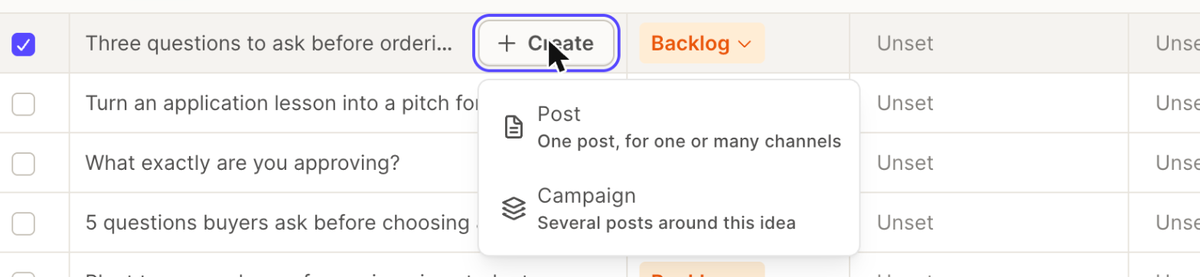
Post or campaign
- Post, one post for one or many channels. The create-content dialog opens with the idea's title already set. Pick the channels and the content type as usual, then generate.
- Campaign, several posts around this idea. Glowtify creates the campaign right away and opens the campaign editor, where you add channels and let the AI build the posts.
What is carried over
The idea's title becomes the content's title. Its description, the ideas in the package, the production requirements and the guardrails are written into the creative concept of the brief, so the AI starts from the idea rather than from a blank page.
The idea itself stays on the board with its status unchanged. Creating content from an approved idea does not mark it as used, and you can create several pieces of content from the same idea.
Where to go next
- Create a campaign: the editor the campaign opens in
- Working with the AI chat: refining the generated content
- Ideas Board